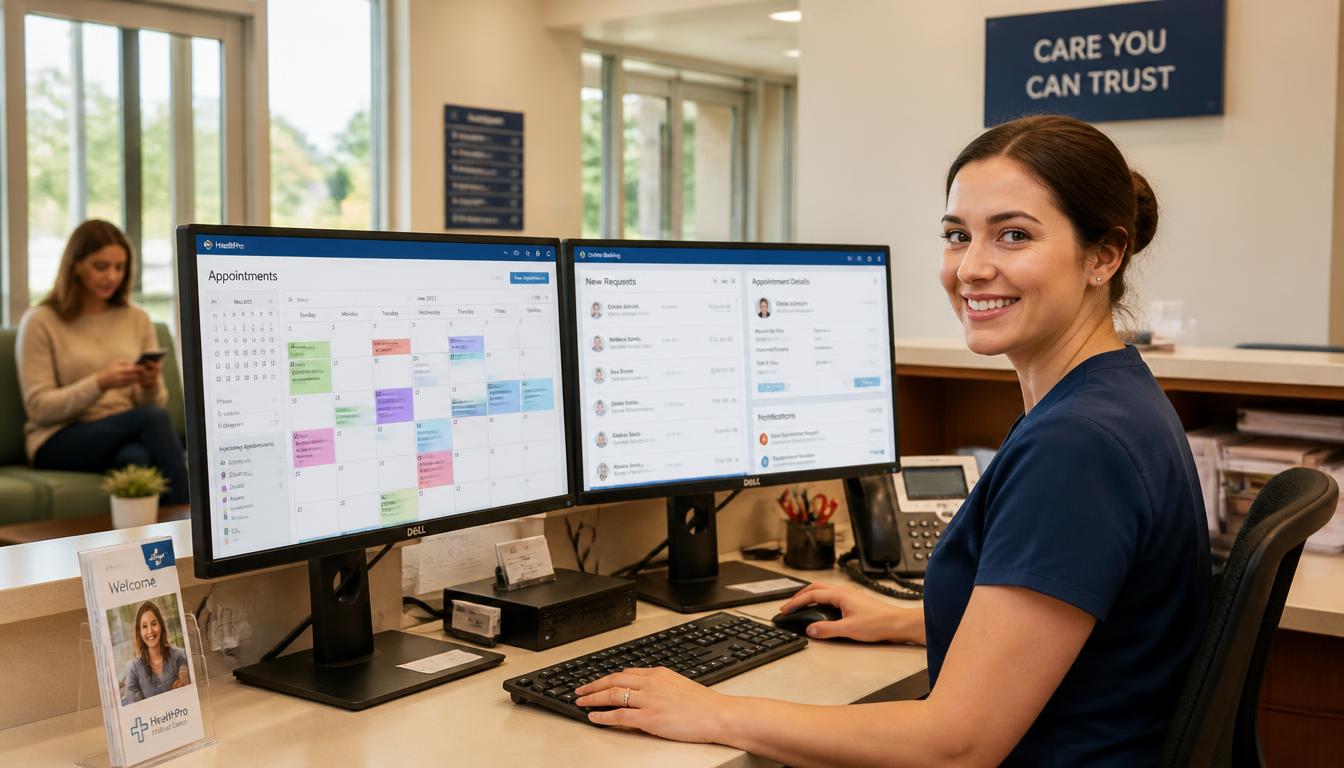
Patient scheduling is the front door to healthcare delivery, and poorly managed schedules cost practices money, frustrate patients, and waste clinician time. Appointment scheduling software for healthcare transforms chaotic manual scheduling into intelligent, automated systems that optimize provider time, reduce no-shows by 30-40%, enable online patient self-booking, and deliver better access to care while improving practice profitability.
What Is Healthcare Appointment Scheduling Software?
Appointment scheduling software, also called medical scheduling software or patient scheduling systems, manages the complex logistics of healthcare appointments: multi-provider calendars with specialty-specific booking rules, appointment types with defined durations, room and equipment allocation, automated patient reminders, waitlist management, and online self-scheduling portals. Modern systems integrate with EHR and practice management platforms to create seamless workflows from booking through check-in, clinical documentation, and billing.
Core Features of Medical Scheduling Software
1. Multi-Provider Scheduling
Color-coded calendars for multiple providers viewed simultaneously, customizable appointment types (new patient, follow-up, physical exam, procedure) with defined duration templates, provider-specific scheduling rules (Dr. Smith sees new patients on Tuesdays, Dr. Jones blocks Fridays for procedures), recurring appointment patterns (dialysis every Monday/Wednesday/Friday, chemotherapy every 21 days), and overbooking controls preventing double-booking except when intentionally allowed.
2. Online Patient Self-Scheduling
Patient-facing booking portals accessible 24/7 from any device, real-time availability display showing open slots, appointment type selection (routine physical, sick visit, lab draw), provider preference selection, insurance verification during booking, and confirmation email/SMS with calendar file attachment. Online booking reduces phone call volume by 40-60% while giving patients the convenience of scheduling outside business hours.
3. Automated Appointment Reminders
Multi-channel reminder delivery (SMS text, email, voice call) with patient communication preference respect, customizable reminder timing (48 hours, 24 hours, morning of appointment), two-way texting enabling patients to confirm or request reschedule via SMS reply, reminder escalation (send email at 48 hours, SMS at 24 hours if not confirmed), and automated rescheduling links in reminder messages. Practices using automated reminders reduce no-show rates by 25-40%.
4. Waitlist Management
Patients requesting appointments when no slots are available are added to waitlists with notification preferences (call/text/email when slot opens). When cancellations occur, the system automatically alerts waitlisted patients in priority order (by wait time, clinical urgency, or patient preference), enabling same-day fill of canceled slots that would otherwise go unused. Effective waitlist management improves provider utilization by 10-15%.
5. Resource and Room Scheduling
Medical equipment scheduling (ultrasound machine, EKG cart, procedure room) prevents conflicts when multiple providers need the same resources. Exam room assignment with turnover time buffers between appointments accounts for cleanup and prep. Appointment templates automatically reserve required resources (colonoscopy appointments book procedure suite, anesthesiologist, and recovery bed automatically).
6. Recurring and Series Appointments
Create appointment series with a single action (physical therapy 3x/week for 6 weeks, weekly psychotherapy for 12 sessions, dialysis Monday/Wednesday/Friday indefinitely). Pattern-based scheduling accounts for holidays and provider vacations automatically. Patients see their entire treatment series at booking, improving adherence and reducing scheduling burden.
7. Check-In and Patient Arrival Management
Digital check-in via tablet/kiosk in waiting room or patient smartphone before arrival, insurance eligibility verification at check-in, co-pay collection before visit, demographic and insurance information updates, consent and authorization signing electronically, and provider notification when patient arrives. Real-time check-in status boards show providers which patients have arrived and are ready to be seen.
8. Reporting and Analytics
No-show and cancellation reporting by provider, appointment type, and patient demographics, appointment utilization (percentage of slots filled, percentage of filled slots actually attended), wait time analysis (time from booking to appointment date), provider productivity (RVUs per scheduled hour), and patient access metrics (third next available appointment). These metrics guide schedule optimization and capacity planning decisions.
Benefits of Automated Appointment Scheduling
Reduced No-Show Rates
No-shows cost US healthcare $150 billion annually. A single missed appointment in primary care costs $50-$200 in lost revenue. Automated SMS/email reminders reduce no-shows by 25-40%. Two-way confirmation and easy rescheduling links further improve attendance. For a 5-provider primary care practice with 10% no-show rate, reducing no-shows to 4% generates $75,000-$150,000 in recovered annual revenue.
Improved Patient Access
Online scheduling eliminates phone tag, enabling patients to book appointments outside business hours (40% of online bookings occur after 5pm or on weekends). Waitlist automation fills cancellations same-day rather than leaving slots unused. Optimized scheduling algorithms reduce patient wait times from booking to appointment date by suggesting underutilized time slots.
Reduced Administrative Burden
Phone scheduling consumes 30-40% of front desk staff time. Online self-scheduling reduces call volume by 40-60%, freeing staff for higher-value activities like insurance authorization, patient questions, and care coordination. Automated reminders eliminate manual reminder calls. Digital check-in eliminates front desk queues and paper intake forms.
Provider Schedule Optimization
Template-based scheduling ensures appropriate time allocation for different visit types (15 minutes follow-up, 30 minutes new patient, 60 minutes procedures). Overbooking rules can be applied strategically (10% overbooking in clinics with historically high no-show rates offsets expected no-shows without causing delays). Buffer time between complex appointments prevents cascading delays.
Specialty-Specific Scheduling Requirements
Primary Care
Same-day sick visit slots reserved for urgent needs, well-child visit templates with age-appropriate durations, physical exam appointments blocked for annual preventive care, and chronic disease follow-up visits scheduled at diagnosis to close care gaps automatically.
Surgery and Procedures
Pre-operative appointment booking coordinated with procedure date, block scheduling allocating specific days/times for surgery (Dr. Johnson operates Tuesdays and Thursdays), equipment and staff scheduling (anesthesiologist, surgical tech, post-op recovery bed), and post-operative follow-up appointments scheduled at time of procedure to ensure continuity.
Oncology
Chemotherapy chair and infusion suite scheduling with pharmacy prep time buffer (2 hours before infusion for drug preparation), multi-disciplinary appointments (medical oncology + radiation oncology on same day), and long-duration appointments (immunotherapy infusions lasting 4-6 hours).
Behavioral Health
Recurring therapy appointment series (weekly psychotherapy for 12 weeks), group therapy session management with participant limits, telehealth scheduling with video visit links sent automatically in reminders, and cancellation policies enforcement (charging no-show fees for late cancellations).
Radiology and Imaging
Modality-specific scheduling (MRI, CT, ultrasound, X-ray), exam preparation instructions automatically sent with confirmation (fasting requirements, medication holds), patient questionnaires (MRI safety screening) completed before arrival, and contrast allergy flagging with radiologist pre-approval workflows.
Integration with EHR and Practice Management Systems
Standalone scheduling systems require duplicate data entry and create disconnected workflows. Integrated systems enable: single patient registration feeding both scheduling and clinical records, appointment reason automatically populating chief complaint in clinical documentation, visit type and provider determining billing codes in charge capture, and scheduled appointment driving clinical workflow (nurse calls patient from waiting room, clinician sees encounter on worklist).
How to Choose Appointment Scheduling Software
Assess Your Practice's Scheduling Complexity
Small practices (1-3 providers, single location) can succeed with simple cloud-based scheduling (Acuity, Calendly, SimplePractice). Mid-size practices (4-10 providers, multiple locations) need multi-provider calendars, location management, and resource scheduling. Large practices and hospitals (10+ providers, multiple specialties and locations) require enterprise scheduling with complex rules engines, reporting, and EHR integration.
Verify Key Capabilities
Essential features: online patient self-booking with real-time availability, automated SMS/email reminders with two-way confirmation, waitlist management with automated patient notification, multi-location support if applicable, EHR/PM integration for seamless workflow, mobile apps for on-the-go scheduling changes, and reporting on no-shows, utilization, and access metrics.
Evaluate User Experience
Request demos with staff who will actually use the system daily. Test online booking from a patient perspective. Verify the system is intuitive enough that minimal training is required. Poor user experience leads to workarounds and system abandonment.
Calculate ROI
Scheduling software costs $50-$200 per provider per month (cloud) or $1,000-$5,000 per provider one-time (on-premise). Calculate ROI from: recovered revenue from reduced no-shows, staff time savings from reduced phone scheduling, improved provider productivity from better schedule utilization, and increased patient satisfaction from online booking convenience. ROI payback period is typically 6-12 months.
Ready to optimize your appointment scheduling? Book a Quecorex scheduling demo showing automated reminders and online booking.
Implementation Best Practices
Successful scheduling software implementation requires: template creation for all appointment types with accurate durations, provider schedule setup with availability patterns and time-off, staff training on booking workflows and exception handling, patient communication campaign announcing online booking availability, phased rollout (start with one provider or department before expanding), and monitoring of key metrics (no-show rates, online booking adoption, patient satisfaction) to measure success and guide optimization.
Emerging Trends in Healthcare Scheduling
Next-generation scheduling systems incorporate: AI-powered demand forecasting predicting when appointment slots will fill and suggesting capacity adjustments, dynamic overbooking algorithms adjusting by provider and appointment type based on historical no-show patterns, patient preference learning (Dr. Smith's patients prefer mornings, Dr. Jones's prefer afternoons), and virtual waiting rooms where patients remain at home until notified their provider is ready, eliminating physical waiting room crowding.
Final Thoughts
Appointment scheduling software is no longer a nice-to-have convenience, it is essential infrastructure for running an efficient, patient-centered healthcare practice. The right system reduces no-shows, improves patient access, optimizes provider time, and reduces administrative burden, delivering measurable financial and operational benefits within months. Whether you are a solo practitioner managing a simple schedule or a multi-specialty group coordinating complex resources across multiple locations, choosing scheduling software that matches your workflows and integrates seamlessly with your EHR/practice management system is a high-ROI investment. Quecorex delivers comprehensive scheduling capabilities integrated with full EHR and practice management functionality, supporting healthcare providers from solo practices to hospital systems across 150+ countries.